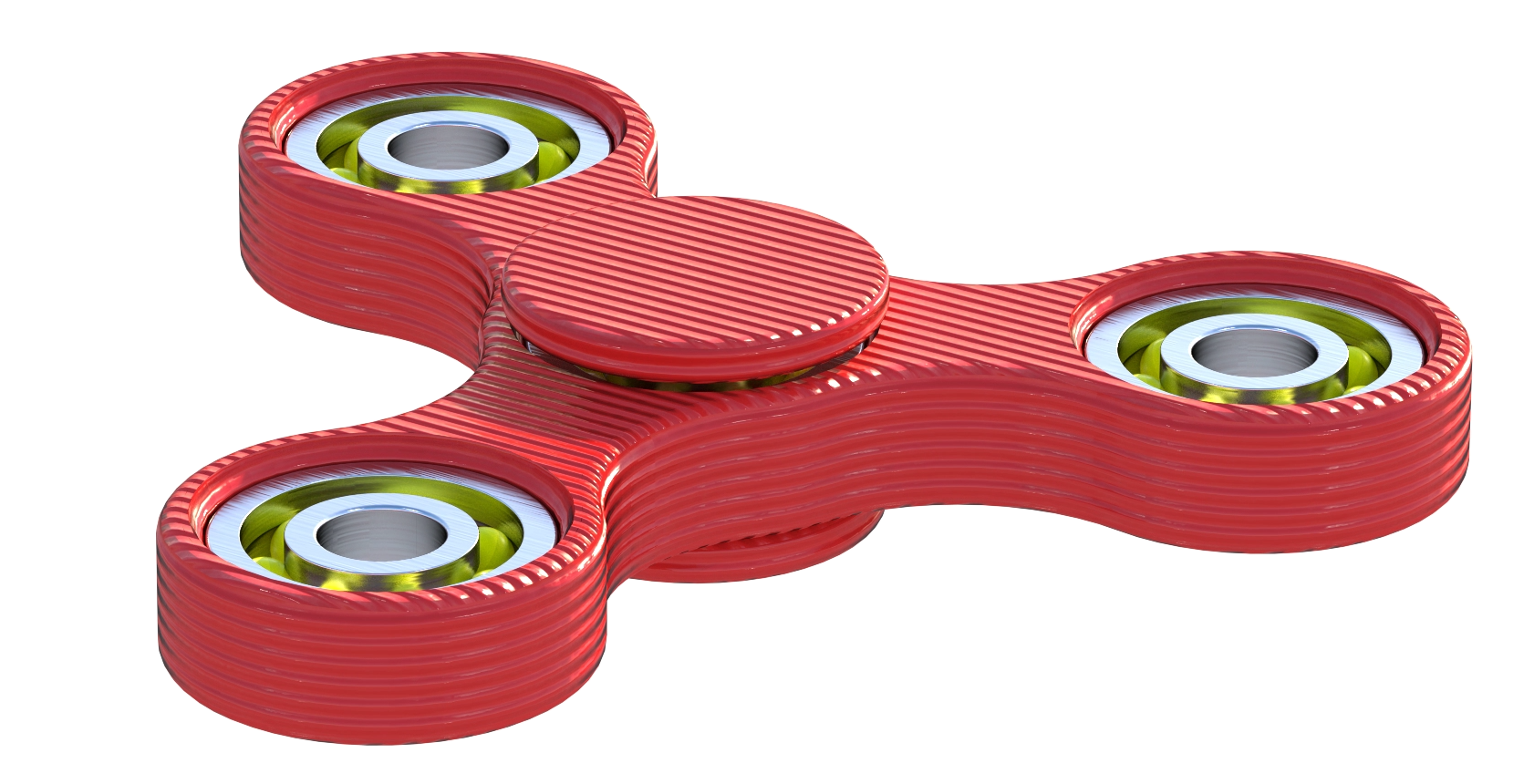

This tutorial explains how to design and 3D-model a 3D-Printable fidget spinner.
Design requirements:
- Parametric and scalable design
- 3D-Printable on a standard 3D-Printer and PLA-filament
- Parts and materials available at the lab.
Design steps main body:
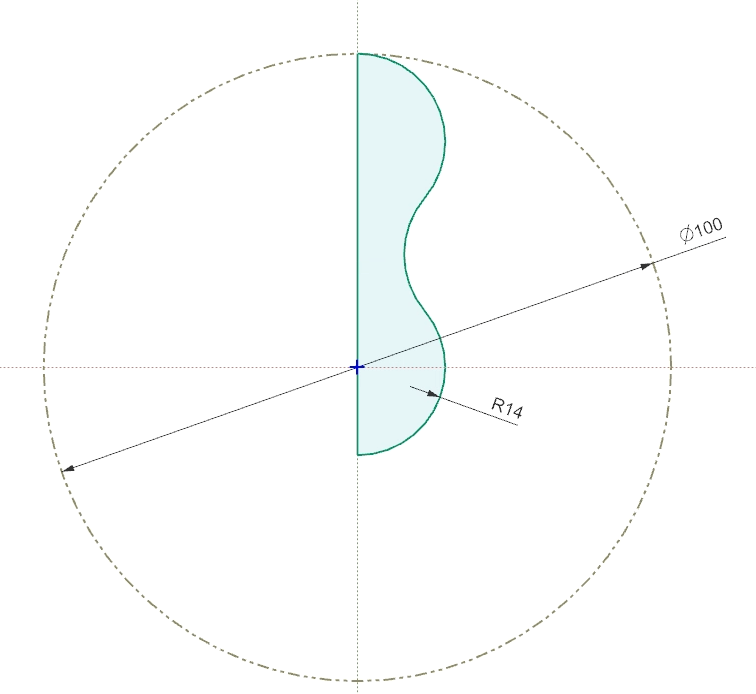
- Create sketch for main dimensions and geometry in the XY-plane. We are using symmetry to simplify the sketch and save some time.
- Extrude sketch to create a volume
- Mirror geometry to complete the arm
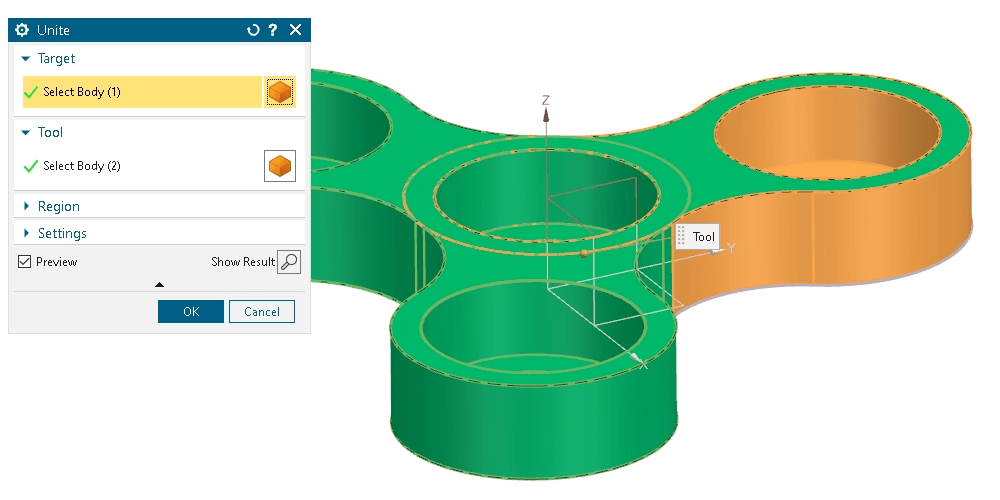
- Unite geometry to creat one single volume for the arm.
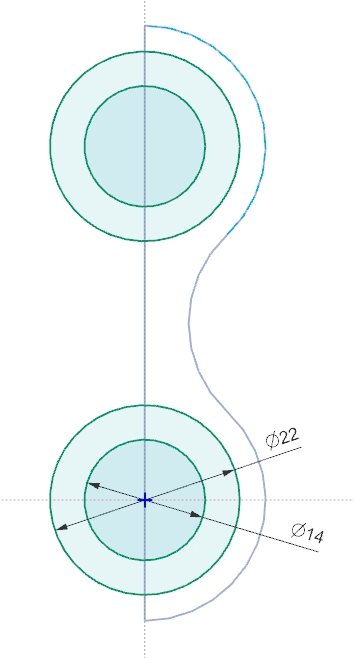
- Create a new sketch in the XY-plane for internal details
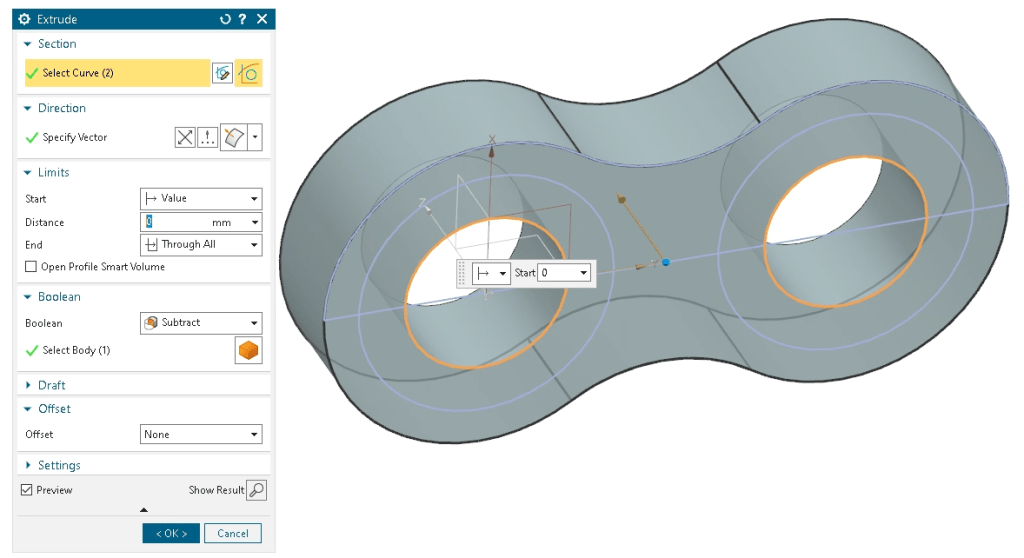
- Extrude and subtract to create holes.
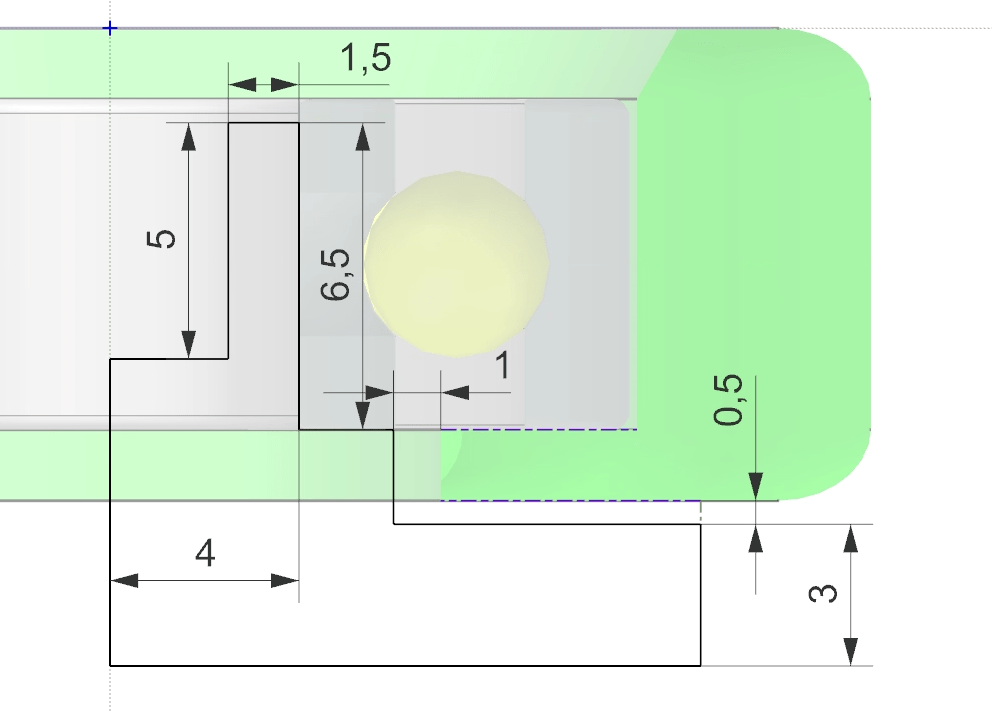
- Extrude and subtract to create holes and bearing flange.
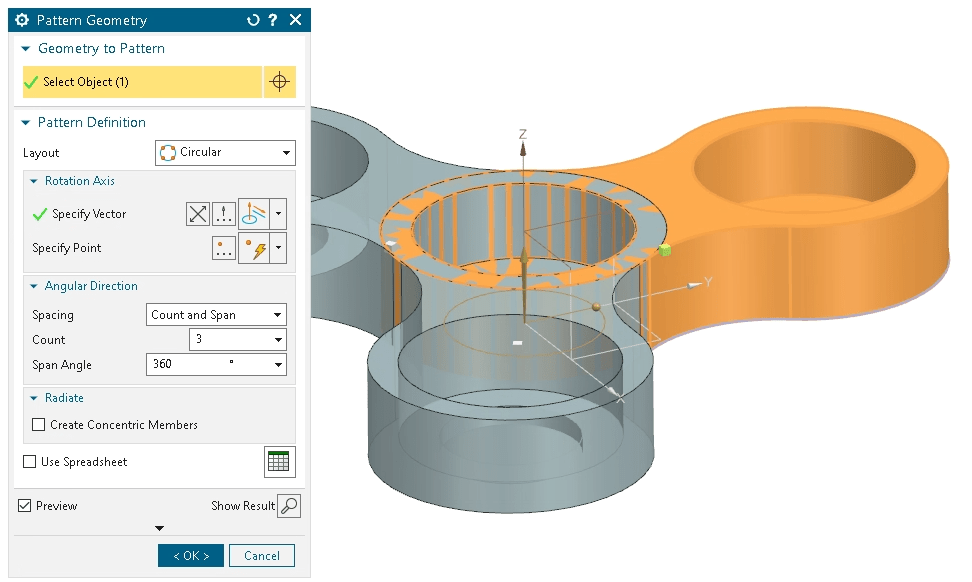
- Pattern geometry around z-axis to copy geometry.
- Unite all arms created into one solid body.
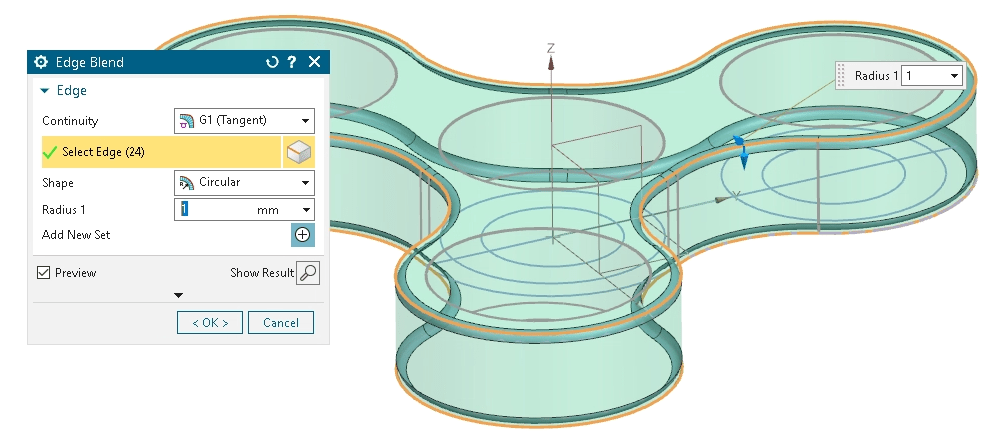
- Round edges and sharp corners by using Edge Blend and Chamfer.




Adding bearings
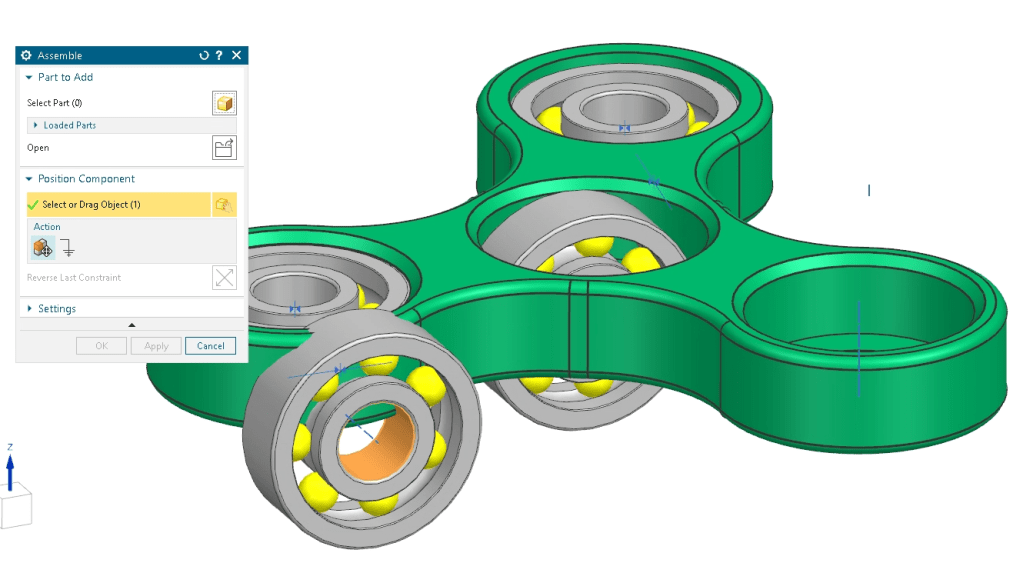
Make sure you have open the 608 bearing part file and placed in the same folder location as your fidget spinner part file.
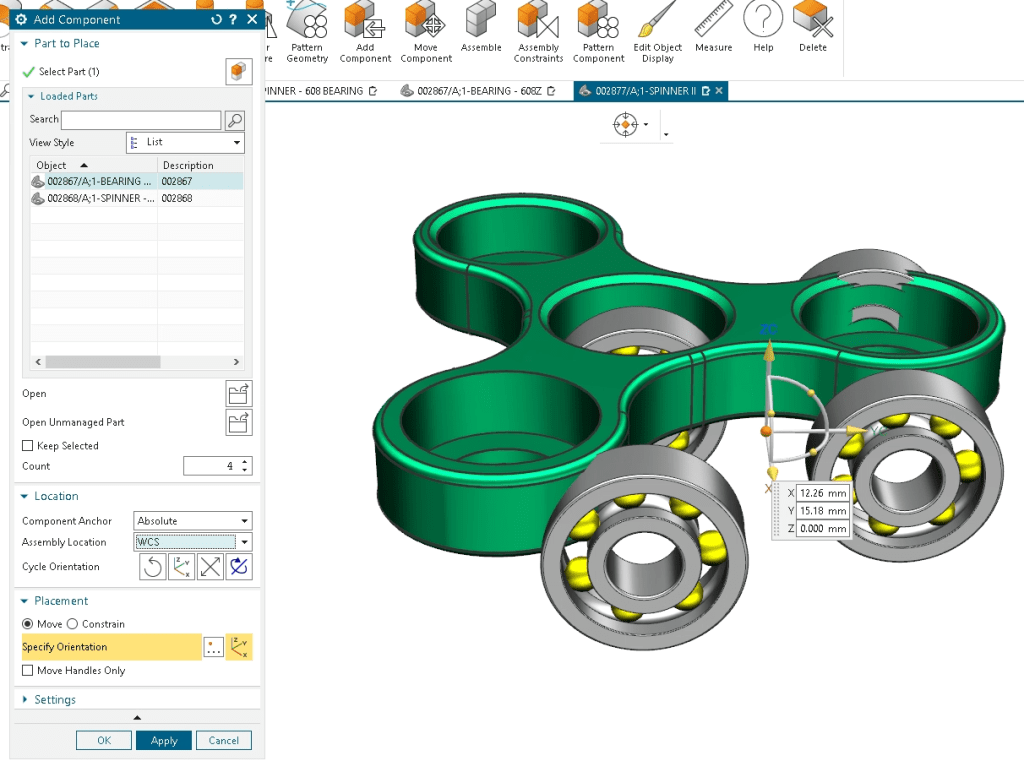
- Select add component and “Loaded parts” to add components to your design.
- Use Assemble to place bearings in the correct positions.
Designing center cover
- Create sketch in XZ-plane
- Revolve sketch around Z-axis
- Create sketch in plane XZ-plane
- Revolve sketch around Z-axis


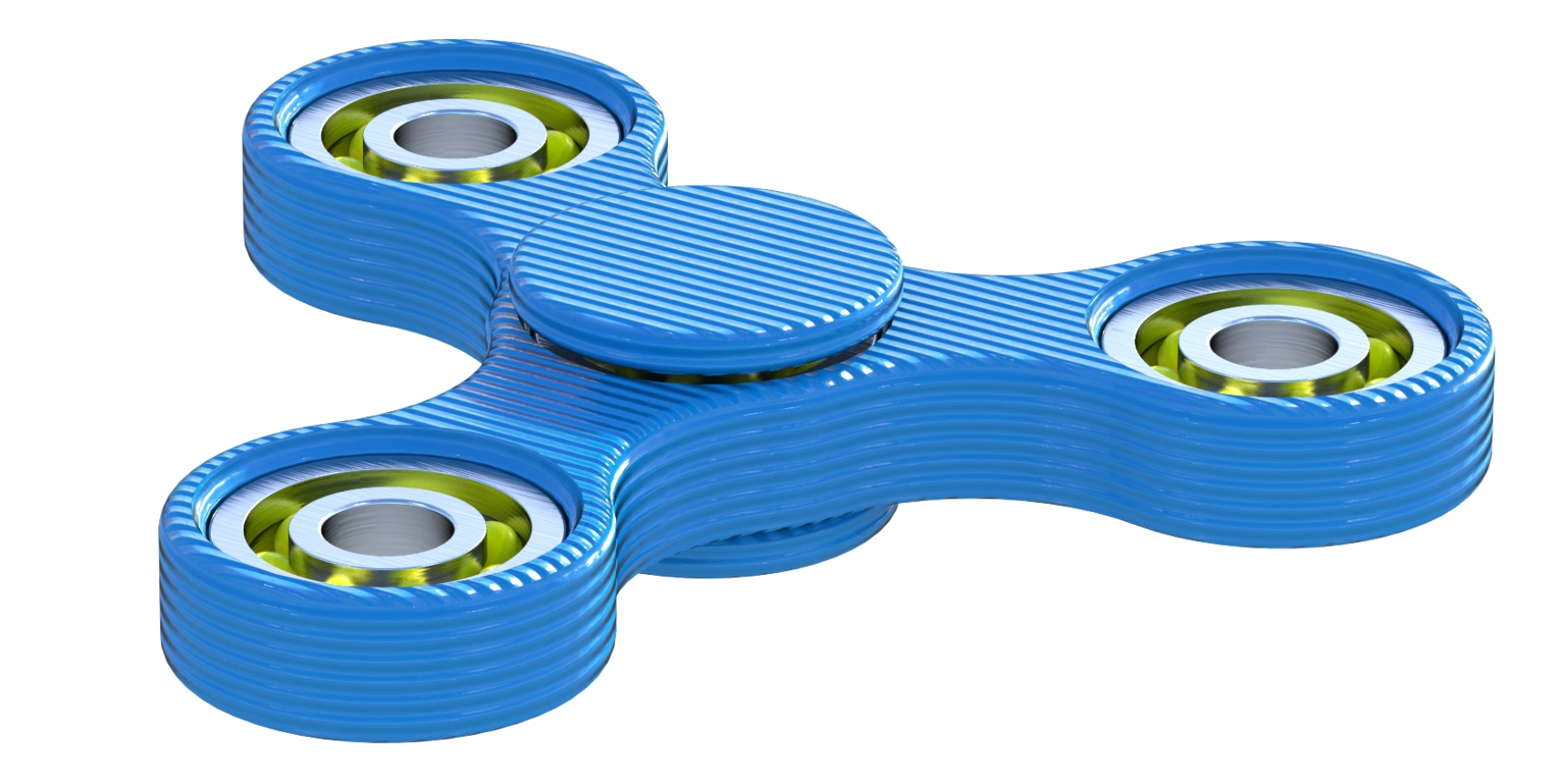
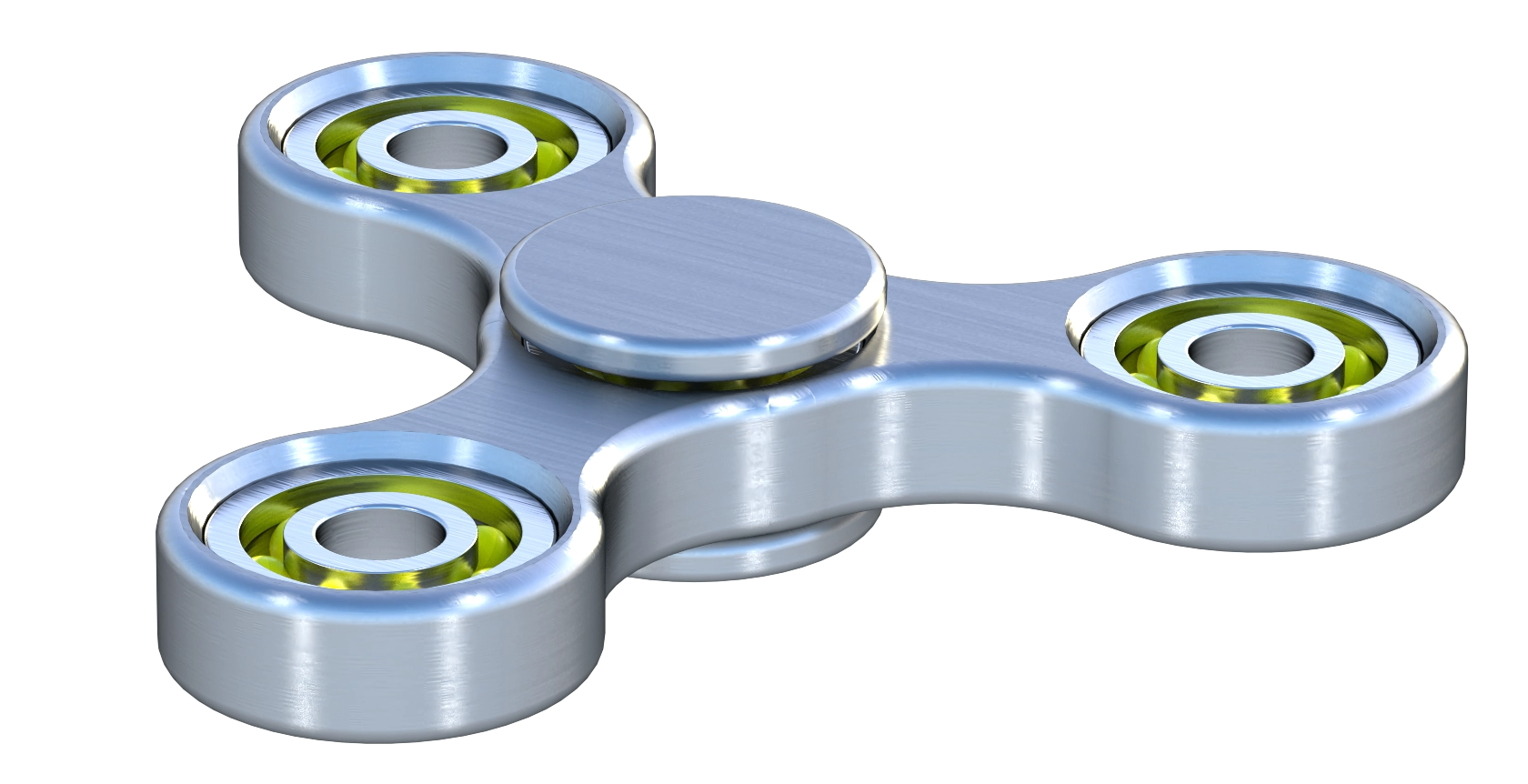
Pictures

 Manulab - NTNU Aalesund